Know what's happening next
Keep care arrangements, school events, appointments and handovers in one shared calendar.
One place to check the plan.
 CoParentOS
One place for everyday co-parenting
CoParentOS brings your care schedule, shared expenses, messages and important records together—so everyday co-parenting is easier to manage.
7 days free · No card for the trial · Start on your own
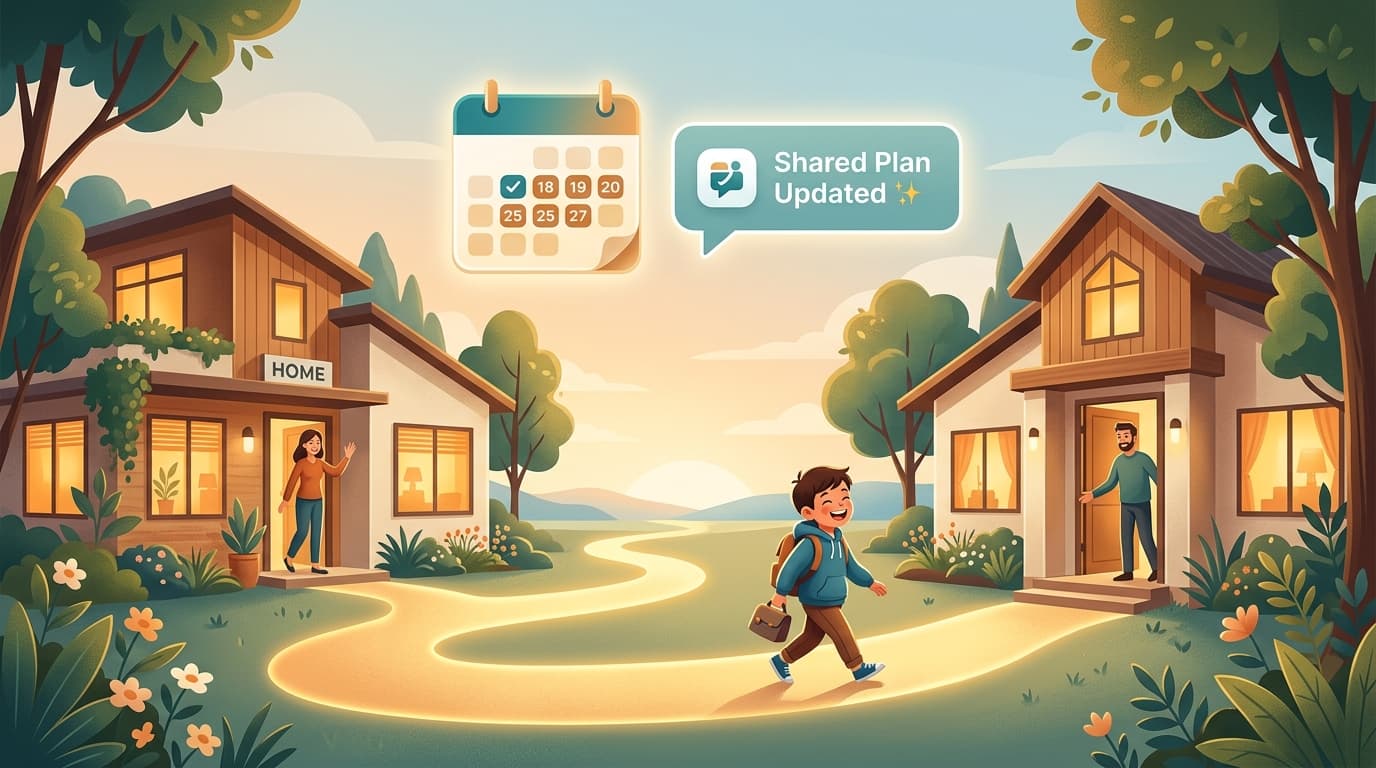
The everyday details, together.
Example dayThursday's school pick-up
Care plans in your calendar
New school shoes
Expense and receipt in one record
The details behind the plan
Messages kept with the event
Your workspace, wherever life happens
Check in on your phone, plan the week on your iPad, or organise the details on your computer. It's the same CoParentOS workspace.
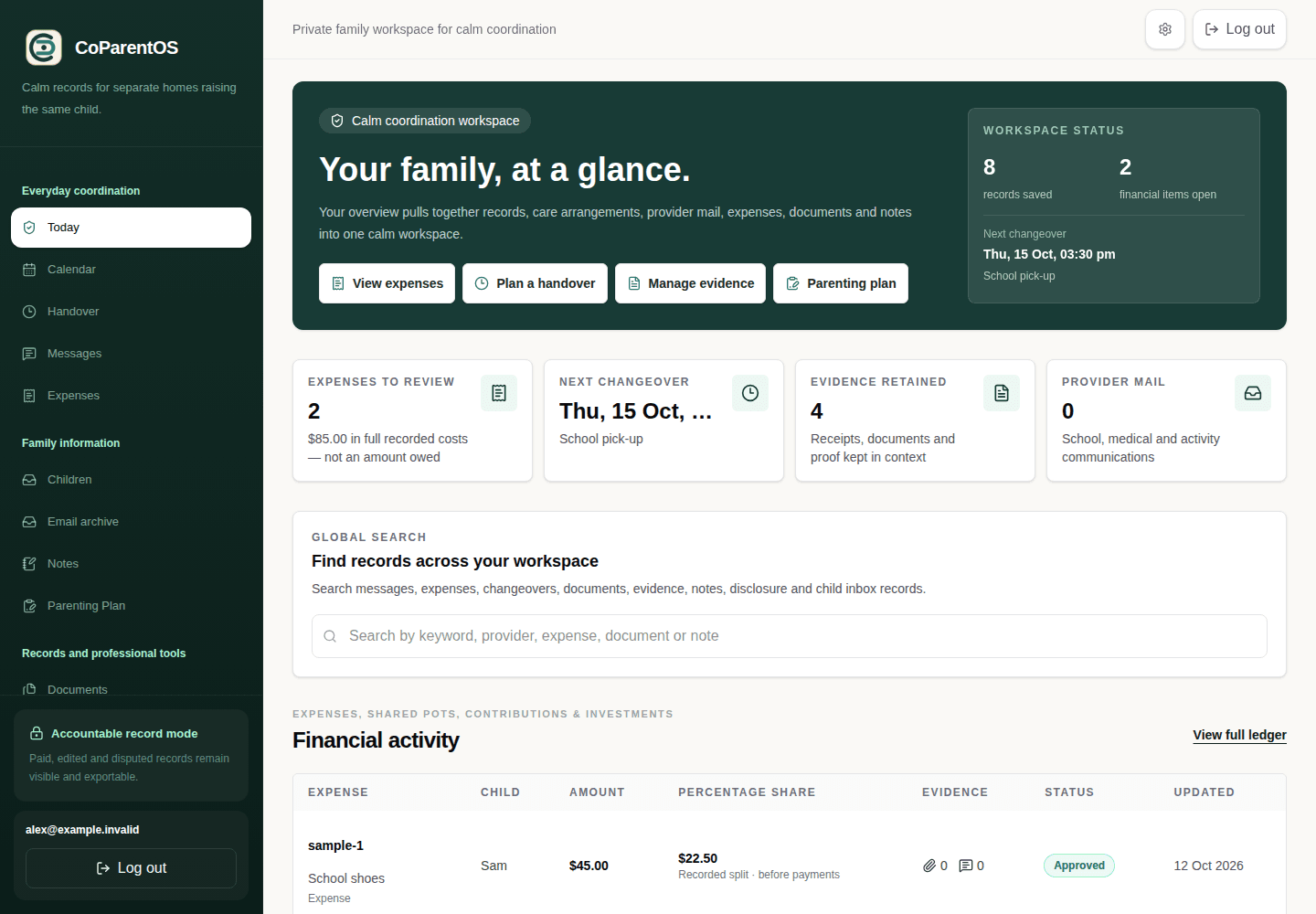
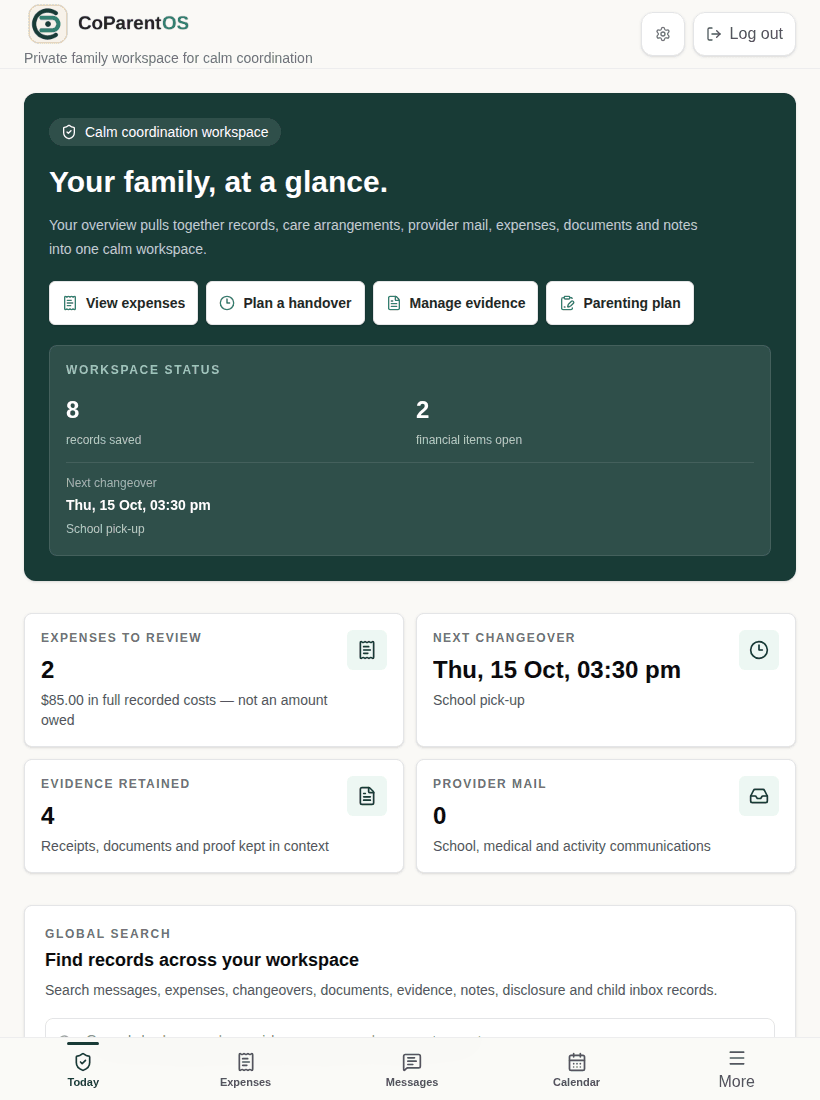
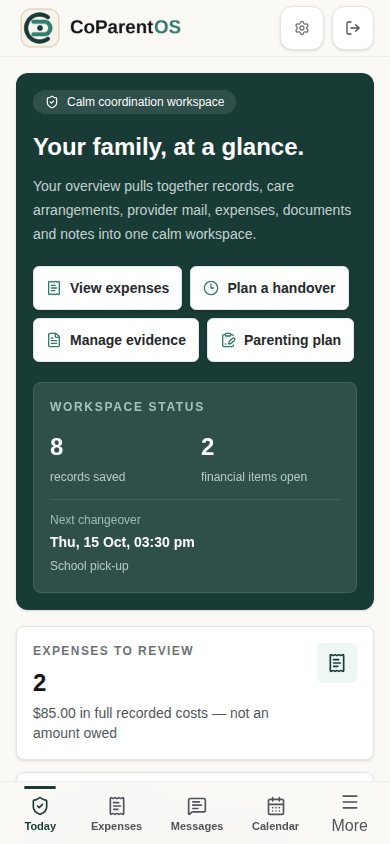
Actual dashboard · Sample data · Web browser views.
7 days free. No card for the trial.
A little less life admin
From the next handover to the last school receipt, CoParentOS helps you keep track without piecing everything together across chats, calendars and folders.
Keep care arrangements, school events, appointments and handovers in one shared calendar.
One place to check the plan.
Save expenses with their receipts, track contributions and see where reimbursements stand.
Less chasing. Less searching.
Keep messages beside the expense, event or handover they relate to, so the details stay together.
Find the decision, not just the thread.
Organise documents, notes and records, then export a clear summary when it's time to share.
Less digging through chats and folders.
An easier start
Start with one thing that would make this week easier. Build from there.
Enter your email and use the secure code we send you. No payment details or plan decision needed to begin.
Add your children's profiles. Start on your own, or invite your co-parent when you're ready.
Add the next event, save a receipt or organise an important document. Your workspace grows with you.
Your first step is just an email address.
You don't need to wait for someone else to get organised. Keep your own records, keep personal notes private, and invite your co-parent to collaborate when it works for you.
How we protect your informationSimple, upfront pricing
Explore CoParentOS free for 7 days. See how it fits your routine before choosing a plan.
Plans from A$9.99 / month
For one parent. Australian GST included.
Standard covers everyday schedules, expenses, messages and organised records. Both plans include financial-document checklists, version history and summaries of handovers, messages and expenses. Premium adds read-only professional sharing: choose the record categories, restrict access to your recipient’s verified email, set an expiry from 1 to 30 days and revoke access when you choose. Private notes stay private; shared documents show titles and status, not files.
Bring your care schedule, shared expenses, messages and important records into one organised workspace. Plan the next handover, save a receipt, keep a conversation with the event it relates to, or find a document without searching through old chats.
No. Start with your own account and begin organising your records straight away. Invite your co-parent when you're ready to use the shared workspace together. Each parent uses their own sign-in.
Not for your 7-day free trial. You can sign up and explore without entering payment details. To activate a paid subscription after the trial, you'll need to add a credit or debit card at checkout.
Choose a subscription to continue using the paid features. Plans start at A$9.99 a month for one parent, including Australian GST. You won't be charged simply for starting a trial—you choose a plan and add your payment details before a paid subscription begins.
Yes. Use CoParentOS in a web browser on your phone, tablet, PC or laptop. Sign in to the same account across your devices to access your workspace. You don't need to download anything to get started.
iOS and Android apps are coming. In the meantime, the mobile-friendly web version is available now, so you can get started on your phone today. We'll share app release details when they're ready.
Yes. CoParentOS has import options for supported exports from OurFamilyWizard, TalkingParents, AppClose and Our Children Australia. Export your records from your current platform, upload the supported file, then review the preview and choose what to import before confirming.
Depending on your platform and export file, you can bring across records such as messages, calendar events, expenses and notes. The import preview shows what the file contains and flags anything that needs attention. Keep your original export as a backup, including any attachments supplied separately.
You can request import assistance from your CoParentOS workspace. Tell us which platform you're moving from and what you'd like to bring over, so we can help you find the right next step. You don't need to share your old platform's password.
No. Start with one upcoming event or expense, then add older records when it suits you. You can try CoParentOS alongside your current platform while deciding what to bring over.
Each parent has a separate account. Shared household records are available to authorised household members, while private notes stay separate from shared information. Professional sharing is available on Premium with scoped, revocable access.
Yes. Manage or cancel your subscription from Billing. Cancelling renewal keeps paid access until the end of your current billing period. Cancellation is separate from deleting your account, and existing records remain available to read and export under our retention policy.
Select Start my free trial, enter your email address and use the secure code we send you. Set up your household and add your first event, expense or record. No card, co-parent invitation or completed migration is needed to begin.
Moving from another platform? Explore switching and import options.
Still have a question? We're here to help.
Less back-and-forth. More room for family life.
Give the everyday details a home. Start your free trial and take the first step towards more organised co-parenting.
Start my free trial7 days free · No card for the trial · Start on your own